

Authenticate with the API
Stringhive uses bearer tokens for API authentication. Every request needs one.
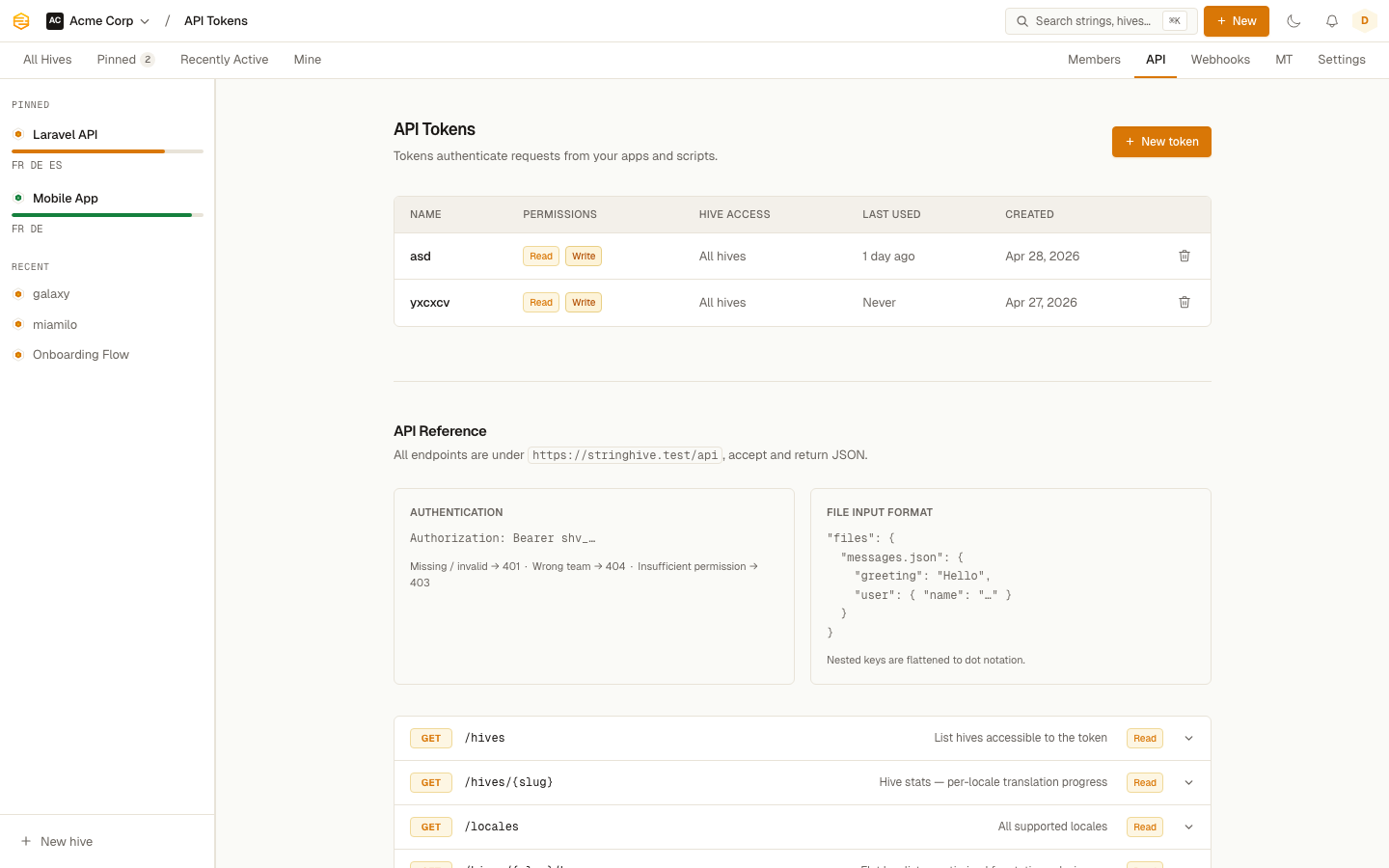
Creating a token
Go to Settings > API Tokens and click New Token. Give it a name (something descriptive, like "CI/CD pipeline" or "Deploy script"), then choose:
Abilities:
Read— lets the token call GET endpointsWrite— lets the token call POST and PUT endpoints- Both — for tokens that need to do everything
Hive access:
- All Hives — the token can access every Hive in the team
- Specific Hives — the token is scoped to the Hives you choose
After saving, you'll see the plaintext token once. Copy it somewhere safe. Stringhive only stores a hash of it and can't show it to you again.
Tokens start with shv_ followed by 60 random characters.
Using a token
Send it as a Bearer token in the Authorization header:
curl https://www.stringhive.com/api/hives \
  -H "Authorization: Bearer shv_yourtokenhere"
Token limits and expiry
Tokens don't expire by default. If you want time-limited access, set an expiry date when creating the token.
Stringhive tracks last_used_at and last_used_ip for every token, visible in the API Tokens settings page. Useful for auditing and spotting tokens that are no longer in use.
Error responses
| Status | Meaning |
|---|---|
401 |
No token provided, or the token is invalid |
403 |
The token doesn't have permission for this action (wrong ability or wrong Hive) |
{ "message": "Unauthenticated." }
Revoking a token
In Settings > API Tokens, click the delete icon next to a token. It stops working immediately.